Weekly Pay Calculator - Gross Pay and Deductions
Use this Weekly Pay Calculator to estimate gross pay, 52 or 53 pay periods, overtime, deductions, and annualized pay from salary or hourly wage data.
Weekly Pay Calculator
Results
What Is Weekly Pay Calculator?
Weekly Pay Calculator estimates the gross paycheck for a single workweek from either an annual salary or an hourly wage. Use it when you want to check a job offer, plan a household budget, compare a 52-paycheck year with a 53-paycheck year, or see how known deductions change the cash left before taxes are estimated elsewhere.
- • Salary offer check: Divide an annual salary by 52 or 53 pay periods so the per-check amount is clear before benefits, taxes, or other deductions.
- • Hourly paycheck estimate: Combine one week of regular hours with any overtime hours and a selected overtime multiplier.
- • Budget planning: Enter recurring deductions such as insurance premiums or retirement contributions to estimate the amount left after those known items.
- • Payroll calendar review: Test how a 53-pay-period year changes the paycheck amount when an employer divides salary across every pay date.
The result is intentionally a gross-pay worksheet, not a tax withholding estimate. That boundary matters because a reliable net paycheck calculation needs filing status, Form W-4 inputs, state and local rules, taxable benefits, pretax treatment, and sometimes supplemental wage rules.
Use the after-deduction output as a planning number for deductions you already know. If you need a broader pay comparison, move from this paycheck amount into a salary or tax calculator that asks for the missing payroll details.
If you also handle a two-week pay cycle, the Biweekly Pay Calculator can compare a 26-check year side by side with the weekly schedule.
How Weekly Pay Calculator Works
The calculation changes based on the pay type. Salary mode divides annual pay by the selected pay periods, while hourly mode builds a one-week paycheck from weekly hours.
- Annual salary: The yearly salary used only in salary mode.
- Hourly wage: The base hourly rate used only in hourly mode.
- Regular and overtime hours: Weekly hours entered separately so overtime is not blended into regular pay.
- Pay periods: The annual number of weekly checks used to divide salary or annualize hourly pay.
- Deductions: Known per-paycheck amounts entered by the user; tax withholding is not calculated.
For salary workers, the Weekly Pay Calculator also reports an effective hourly rate by dividing annual salary by regular weekly hours times 52. This is a planning conversion, not a legal classification test for exempt status or overtime eligibility.
For hourly workers, the regular pay and overtime pay outputs stay separate so you can see which part of the check changed. That makes it easier to compare a normal pay period with a busy one.
Salary example
Annual salary is $78,000, pay periods are 52, pre-tax deductions are $75, and post-tax deductions are $25.
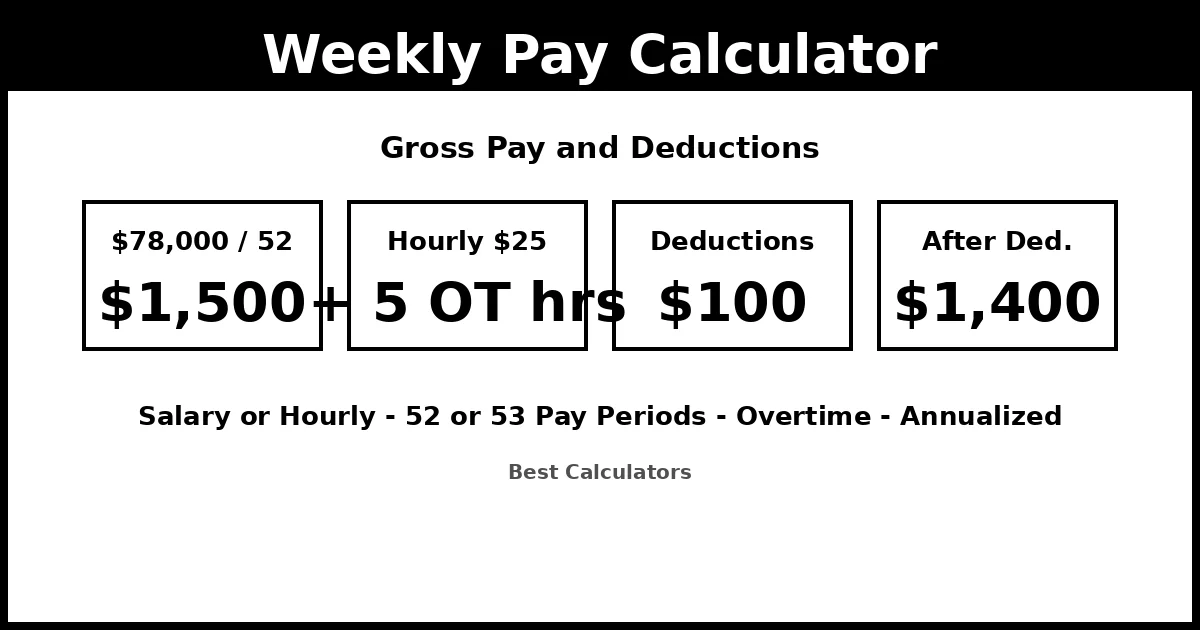
$78,000 / 52 = $1,500 gross weekly pay. Entered deductions are $100.
Pay after entered deductions is $1,400.
Use $1,500 as the gross paycheck amount, then apply your actual tax withholding or a paycheck tax calculator if you need take-home pay.
Hourly example with overtime
Hourly wage is $25, regular hours are 40 per week, overtime is 5 hours per week, and overtime multiplier is 1.5.
Regular pay is $25 x 40 = $1,000. Overtime pay is $25 x 1.5 x 5 = $187.50.
Gross weekly pay is $1,187.50.
The annualized gross amount is $61,750 when the same pattern repeats for 52 pay periods.
According to U.S. Bureau of Labor Statistics, weekly schedules typically have 52 paydays per year, biweekly schedules have 26, semimonthly schedules have 24, and monthly schedules have 12.
According to U.S. Office of Personnel Management, federal weekly rates of basic pay are computed by multiplying the hourly rate by 40 hours, and some calendar years can have 52 or 53 pay dates.
When the goal is to size the whole annual package first, the Salary Calculator gives the yearly view before the per-check number is divided out.
Key Concepts Explained
These concepts help you read the result correctly and avoid mixing payroll terms that sound similar but produce different paychecks.
Weekly pay
Weekly means every seven days. In a normal payroll calendar, that creates 52 checks per year. A calendar year can include a 53rd pay date depending on the first payday and the employer pay schedule.
Biweekly pay
Biweekly means every two weeks. In a normal payroll calendar, that creates 26 checks per year, not 24. Two months usually have three paydays.
Gross pay
Gross pay is earnings before tax withholding and deductions. It is the cleanest starting point for offer comparisons and payroll review.
Entered deductions
Entered deductions are the amounts you type into the calculator. They can represent known benefit premiums or contributions, but they are not a substitute for tax withholding.
Overtime deserves special care. Federal overtime rules are based on each workweek, not a single pay-period total. Do not average a 45-hour week and a 35-hour week into two 40-hour weeks if overtime law applies to the job.
The calculator asks for overtime hours per week because that structure matches the workweek rule. If your employer uses a more complex pay plan, treat this as a rough worksheet and check the pay stub or payroll policy.
When the question moves from one weekly check to the full annual earnings, the Hourly to Salary Calculator uses the same wage logic across the year.
How to Use This Calculator
Start with the pay type and then enter only the assumptions that match your job. The unused income field can stay at its default value.
- 1 Choose pay type: Select annual salary if you have a yearly offer, or hourly wage if your pay depends on hours worked.
- 2 Enter the pay amount: Type the annual salary or hourly wage. The calculator validates the selected path and ignores the other pay amount.
- 3 Set hours and overtime: Enter regular weekly hours, overtime hours per week, and the overtime multiplier used by your employer or scenario.
- 4 Choose pay periods: Use 52 for most weekly years, or 53 when your payroll calendar or employer policy divides salary across 53 pay dates.
- 5 Add known deductions: Enter per-paycheck pre-tax and post-tax deductions you already know. Leave them at zero when comparing gross offers.
- 6 Read gross and annualized pay: Use gross pay for paycheck planning and annualized pay to compare the repeating schedule with the stated salary or expected earnings.
Suppose you earn $24 per hour, usually work 40 regular hours and 3 overtime hours each week, and have $60 of known deductions per paycheck. The Weekly Pay Calculator separates regular pay from overtime pay, subtracts the $60 you entered, and annualizes the gross result over your selected pay periods.
For a deeper look at premium hours and how overtime scales up the annual figure, the Hourly to Salary With Overtime Calculator is the closer peer.
Benefits of Using This Calculator
A focused weekly worksheet is useful when you need a paycheck number before running a full tax or payroll model.
- • Compare offers: Translate an annual salary or hourly wage into the check amount you will actually budget around every week.
- • Review payroll changes: Check how a raise, reduced hours, overtime shift, or deduction update changes the next gross paycheck.
- • Plan recurring bills: Use the after-deduction output to match known paycheck timing against rent, loans, savings transfers, and utilities.
- • Spot schedule confusion: Separate weekly, biweekly, and semimonthly assumptions before comparing per-check pay from two employers.
- • Prepare for extra-paycheck years: Model 53 pay periods when your employer announces a payroll calendar with an additional pay date.
The Weekly Pay Calculator is most useful when you need clarity about what the number does and does not include. Gross pay is not take-home pay. Pay after entered deductions is still not a tax estimate unless your entered deductions happen to include every required withholding amount from a reliable payroll source.
For employees, this can make pay stub review less frustrating. For employers and managers, it provides a quick way to explain why salary divided by 52, salary divided by 53, and biweekly pay do not produce the same check.
If a raise, hire date, or leave period affects only part of a week, the Prorated Salary Calculator handles partial-period salary math.
Factors That Affect Your Results
Small changes in payroll assumptions can move a weekly result by hundreds of dollars, especially when overtime or a 53rd pay period is involved.
Pay periods per year
A $78,000 salary produces $1,500 over 52 checks but about $1,471.70 over 53 checks if the employer divides the same annual salary across every pay date.
Overtime treatment
Hourly overtime can raise the gross check quickly, but eligibility, rate, and included earnings depend on the job and governing rules.
Recurring deductions
Benefit premiums, retirement contributions, garnishments, and other deductions may be flat per check or vary by payroll policy.
Tax withholding
The calculator does not estimate withholding. Federal, state, local, Social Security, Medicare, and benefit-tax treatment can all change take-home pay.
Work schedule changes
A week with unpaid time, holiday pay, shift differentials, commissions, or bonuses may not match a simple repeating-hours estimate.
- • This calculator is for gross pay and user-entered deductions. It does not determine legal overtime eligibility, exempt status, minimum wage compliance, or payroll tax withholding.
- • The overtime input assumes a single workweek. If hours vary week to week, calculate each week separately or use your employer payroll statement.
- • A 53-pay-period year is handled as a user-selected divisor. Employers may handle extra pay dates differently, so confirm the policy before relying on the result.
Use the output as a planning estimate, then compare it with your actual pay stub. If your stub differs, look first at tax withholding, benefit timing, unpaid leave, holiday rules, or whether deductions are taken every paycheck.
For legal or payroll compliance questions, use the calculator to organize the numbers, but rely on your employer payroll department, state labor agency, or a qualified professional for the rule that applies to your job.
According to U.S. Department of Labor, covered nonexempt employees must receive overtime pay for hours worked over 40 in a workweek at not less than one and one-half times their regular rates.
Once gross weekly pay is clear, the Paycheck Tax Calculator is the closer peer for federal and payroll withholding estimates.
Frequently Asked Questions
Q: How do I calculate weekly pay from annual salary?
A: Divide the annual salary by the number of weekly pay periods used by your employer. Most years use 52 checks, but some payroll calendars use 53. The Weekly Pay Calculator lets you choose the divisor so the per-check gross amount matches the payroll assumption.
Q: Is weekly pay the same as biweekly pay?
A: No. Weekly pay happens every seven days and usually creates 52 paychecks per year. Biweekly pay happens every two weeks and usually creates 26 paychecks per year. The same annual salary produces a different check amount under each schedule.
Q: How many weekly paychecks are in a year?
A: A normal weekly schedule has 52 paychecks because there are 52 weeks in a year. Some payroll calendars produce 53 pay dates in a year, depending on the first payday and employer policy.
Q: Does overtime get calculated by week or by pay period?
A: Federal overtime is generally based on each workweek, not by averaging a longer pay period. That is why the calculator asks for overtime hours per week. State rules, exemptions, contracts, and special pay plans can affect the final payroll treatment.
Q: Why would a year have 53 weekly paychecks?
A: Weekly paydays fall every seven days, while calendar years have 365 or 366 days. The extra day shifts payday timing over time. Depending on the payroll calendar, a year can contain an additional pay date.
Q: Does this calculator estimate taxes?
A: No. The Weekly Pay Calculator estimates gross pay and subtracts only the deductions you enter. Tax withholding needs filing status, Form W-4 information, state and local rules, taxable benefits, and other payroll details that are outside this calculator.